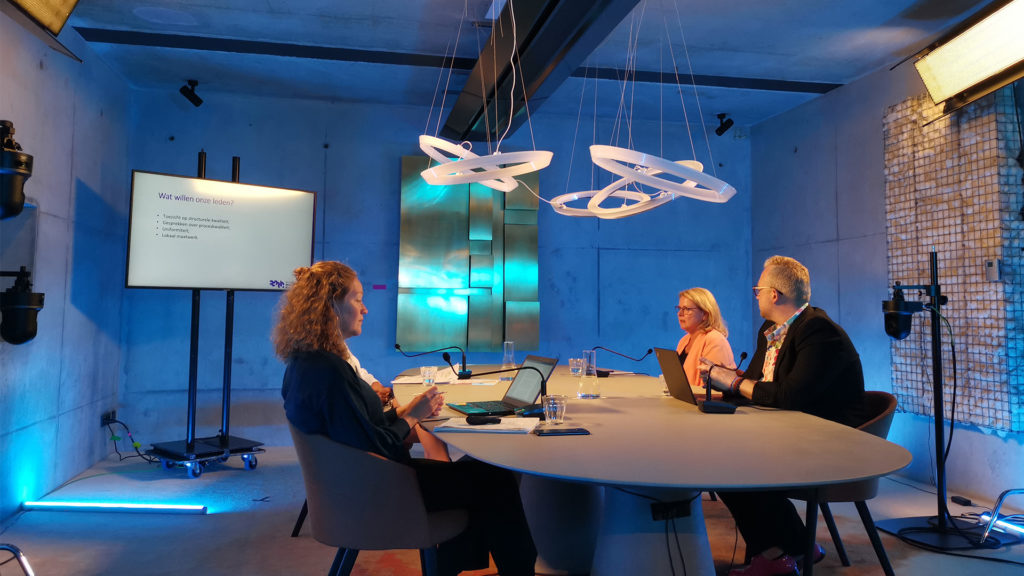
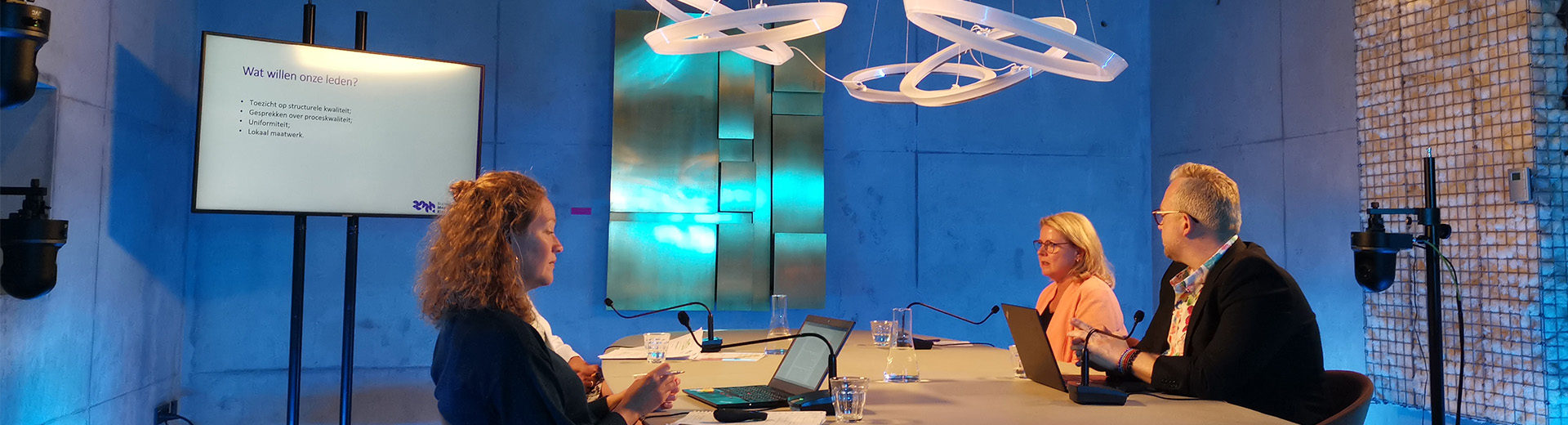
Online events have grown sharply in popularity. That is no surprise, because they are cheaper, more scalable, more accessible and more sustainable. Still, many organizations struggle with the content of an online program. Sometimes an offline program is even copied one-to-one for the online event. Given the shorter attention span of online viewers, we advise against doing that. In this blog, we explain how to make your online congress, online meeting or other event a success.

1. Ask your audience for input in advance

Involve your audience before the event by running event marketing through social media and actively asking them for input. For example, you can ask the audience to send in questions or statements in advance and address these during a Q&A session or panel discussion. For an internal event, you can ask people in your organization to submit humorous content around a theme, such as videos from the work environment.

Text continues below the photo

2. Create a cliffhanger or giveaway to keep your audience curious

Why do you never watch just one episode of a series? Exactly, because it ends with a cliffhanger and you are curious about how the story continues. You can use this tactic for your online event too. Think about what your audience wants to get out of the event and save that for the end. Then keep referring back to the cliffhanger throughout the event.

At an award show, for example, you can give hints in between about the winner, or run a poll about who will win. Or set up a giveaway in which the winner is announced at the end.

Tip: the giveaway

Having trouble setting up a cliffhanger? Then create a giveaway. You can give online participants who stay until the end a link where they can download exclusive content, or request a free session or product.

3. Make optimal use of the chat

Perhaps unnecessary to mention, but choose an online event platform with a chat function so participants can easily get in touch with you as the organizer and with the other participants.

Are you organizing a Q&A? Then make sure a moderator selects the interesting questions, or let the audience vote through an online tool on which question they would like answered. Prepare a number of questions and answers in advance so you can use them when things go quiet during the Q&A. You can also choose to organize a panel discussion with several speakers, where the questions are answered by different panel members. 

4. Use online tools for more interaction during your virtual events

By using software with interactive features, you can actively involve your audience during your online event. These tools are a great addition to your livestream platform. With tools such as Slido and Mentimeter, you can create word clouds from audience input, organize a quiz, or let the audience vote on submitted questions. The Kahoot platform is based on playful learning and turns every quiz into a real competition. All of these tools can present data in a visually appealing way and help keep your audience’s attention. Need help finding the right tool to engage your audience? Contact us.

Text continues below the photo

5. Organize a breakout session

When your target audience has different needs or interests, you can choose to organize breakout sessions. In a breakout session, you split the online audience into smaller groups that go to different virtual rooms. This is often done for a brainstorm, a small-scale knowledge session or a networking session. At a larger event where the audience does not have a camera or microphone on, a breakout session is often the moment when participants start speaking actively. If you want to organize this, make sure your livestream platform has this feature. 

6. Let your audience choose a program through parallel programming 

Are you organizing a large online congress? Then you can even consider parallel programming: broadcasting multiple sessions that are livestreamed at the same time. For this you need a livestreaming platform that supports parallel programming. Your audience can then choose which online session they want to attend. If desired, you can also set in advance which participant goes to which session based on certain characteristics, such as specialization or job title.

Text continues below the photo

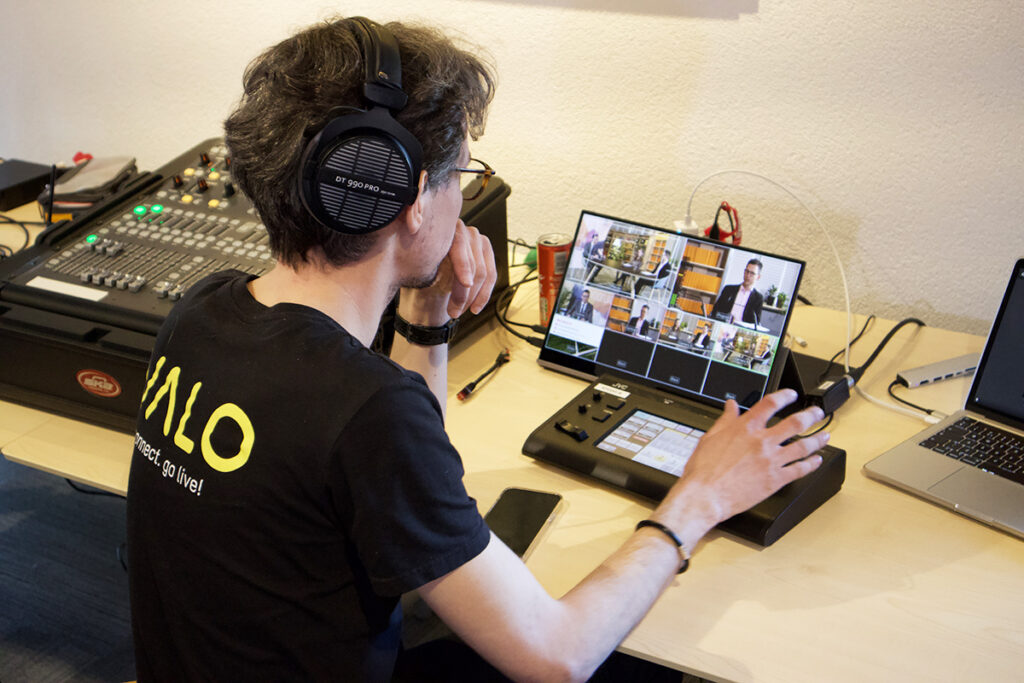
Photo of Peter operating Valo Start livestream equipment

7. Make use of virtual team-building activities 

Are you hosting an internal event for employees, or a coaching session with a group? Then team-building activities should not be missing from your online event! Set up a competition by splitting small teams into breakout rooms. You can also have participants draw something on paper or act something out for the camera. Treasure hunts are also popular: have participants look for a household item, and whoever is first on camera with the item wins. 

Always a hit: the pub quiz with drinks package

A pub quiz with an online drinks package also always goes down well. For this, you can send participants a beer package or snacks in advance. Don’t forget to organize a prize for the winning team!

For participants who do not know each other very well, it can be fun to get acquainted in 1-on-1 sessions. Prepare a set of questions for this, or use tools such as the Donut extension for Slack, which automatically connects participants to someone for a virtual introduction.

8. Include breaks with optional workshops or entertainment

For an online event that lasts several hours, it is a good idea to build in breaks. During these breaks you can offer entertainment such as live music or dance, or organize a sports workshop where participants can join in with exercises from home. This keeps your audience alert and allows everyone to join the session after the break with renewed energy.

Text continues below the photo

Organize an online event without any worries

At Valo we have more than 10 years of experience livestreaming online and hybrid events. Do you need help or inspiration setting up your online event? We can take the entire organization and broadcasting of this special occasion off your hands! Contact us without obligation.

Contact details

Get in touch

This field is for validation purposes and should be left unchanged.
Name(Required)
When you contact us, you agree to our privacy policy.