HomeBlogHow do you organize a professional event in Zoom?
How do you organize a professional event in Zoom?
Content type:
Blog
Published on:
Zoom is very popular as a video meeting tool, but it is also used to host professional livestreams and webinars. In this article we explain how you can use Zoom for a professional broadcast.
The different roles
If you are organizing an online event in Zoom, it is important to clearly distinguish between the different users. You have an event manager, presenter, the speakers, a Zoom manager and the moderator.
1. The event manager
As the organizer, you may be able to fulfill the role of event manager yourself. But someone has to know the content, understand the run of show and be able to steer everyone properly.
2. The presenter
A presenter or host is very important for giving your event structure and substance. That person takes the event to a higher level. Sometimes this person is also called the host.
3. The speakers
Besides the host, speakers or panel guests are indispensable for a successful program. They may talk with each other or give presentations. If the speakers dial in remotely, it is advisable to test the dial-in connection with everyone in advance.
Prepare everyone properly
Bring literally everyone on board by going through everything carefully with each person in advance and testing the technology. This is extra important when people dial in from their own laptop.
As the organizer, appoint someone who prepares the event technically in Zoom and who also monitors all technical aspects during the production.
5. Content moderator
Besides making sure that everything runs smoothly from a technical perspective, it is often also desirable to appoint someone else to keep an eye on the chat and pass specific questions on to the speakers.
A real studio or fully digital after all?
If you are organizing a livestream in Zoom, there are two variants to distinguish. Fully virtual, or from a studio on location with or without a physical audience (a hybrid event).
Fully virtual: everyone dials in
In a fully virtual or digital event, both the organizers and the speakers dial in together with the viewers. It is basically just like the online video meeting you are used to. A Zoom manager and moderator make sure that everything behind the scenes runs smoothly.
From a studio: your audience watches online
In addition to a virtual setup, it is also possible to broadcast a program in Zoom from a physical livestream studio. You then invite the presenter and speakers to the location. The viewers watch online in Zoom and thus dial in digitally. Keep in mind that with a real studio you also need extra livestream technicians to keep everything running properly.
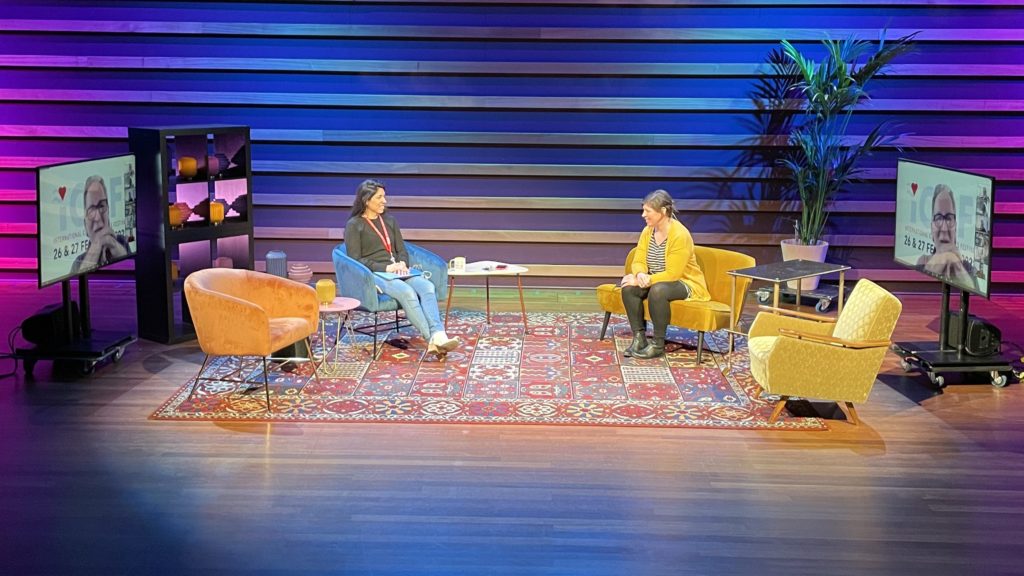
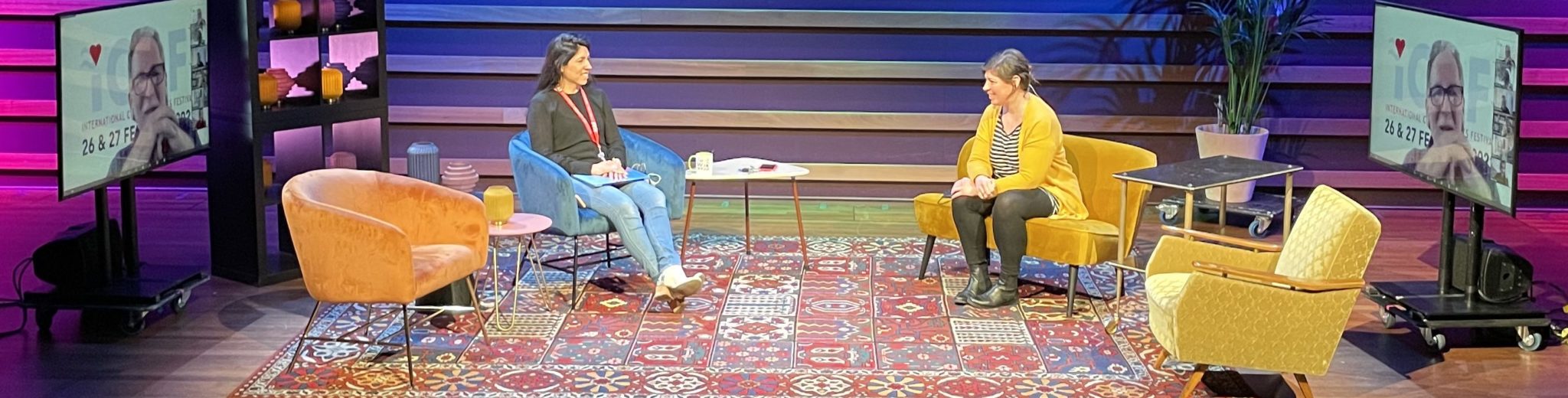
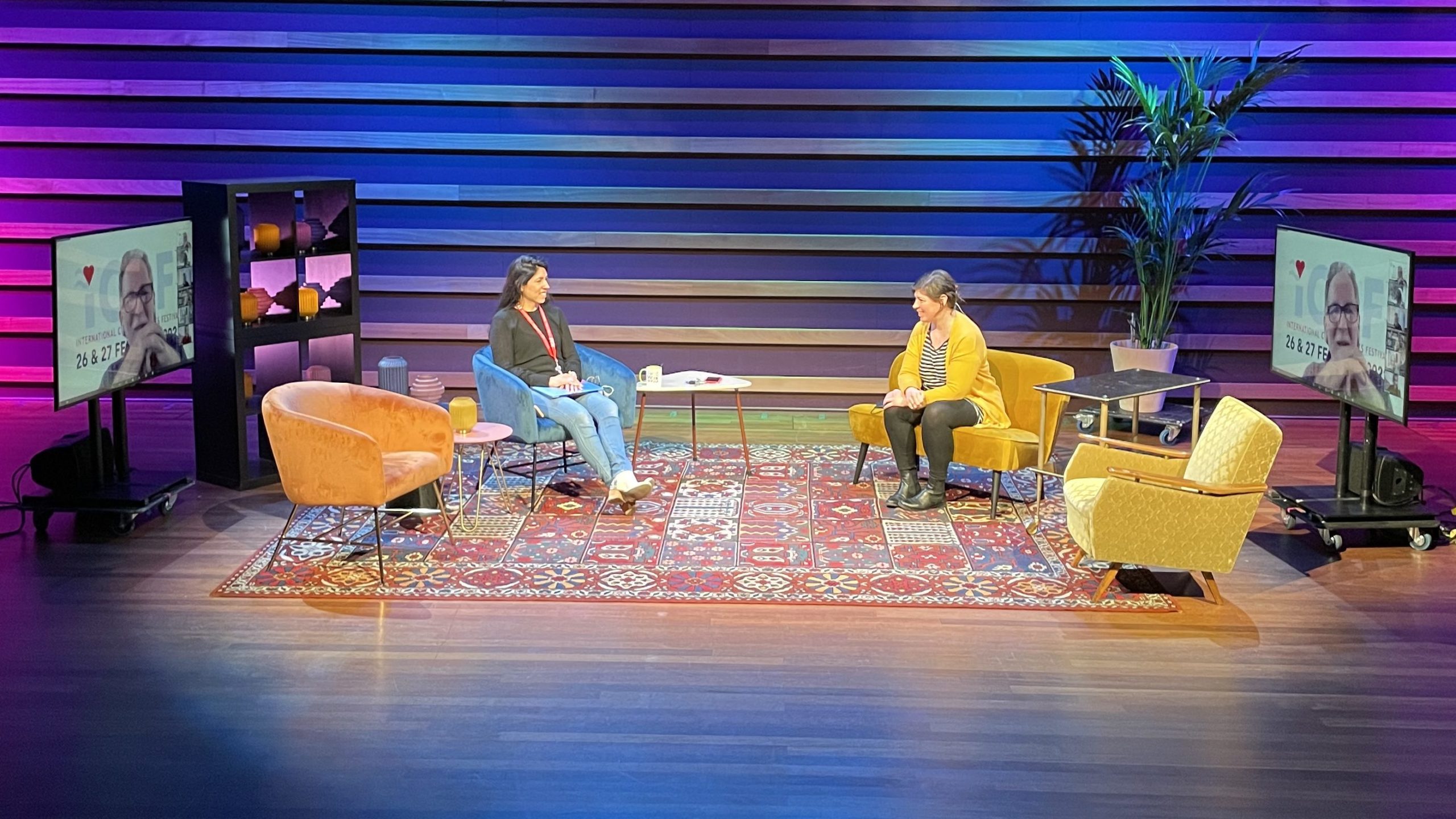
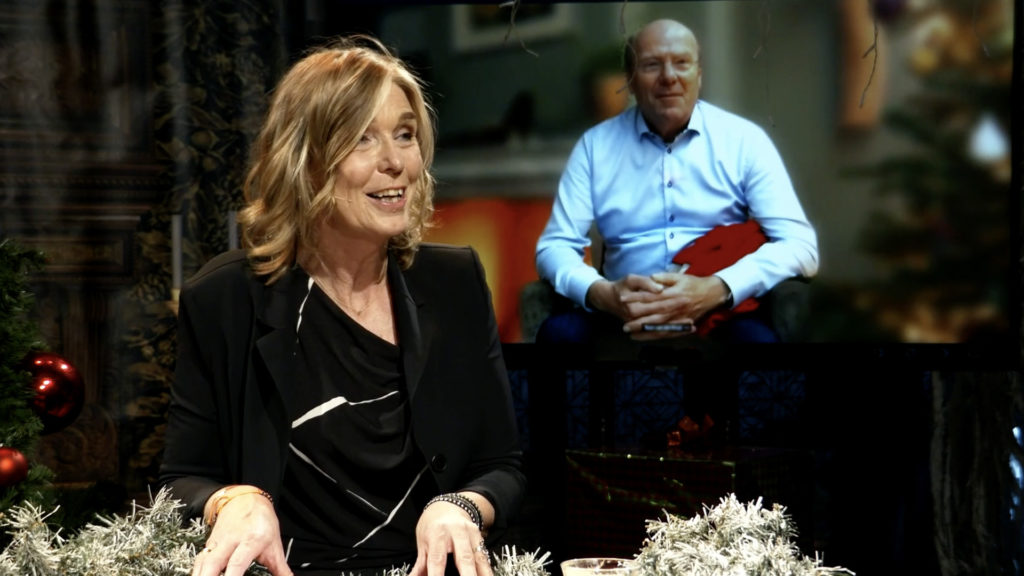
In the studio, three people are in conversation. Two are physically present and one dials in via Zoom.
External dial-ins in the physical studio
In most studios it is also possible to let extra speakers dial in remotely. That way they do not have to be physically present. Always check in advance whether this is really technically possible and whether it meets your expectations.
During the broadcast for the HHSK water board, you can see the presenter in a live conversation with a virtual caller who was still able to join the program from home via Zoom.
Hybrid: the audience is present both physically and online
Some studios have space for a physical audience. Think of a conference hall or theater hall. This way you can really turn it into a hybrid event with a physical audience and online viewers.
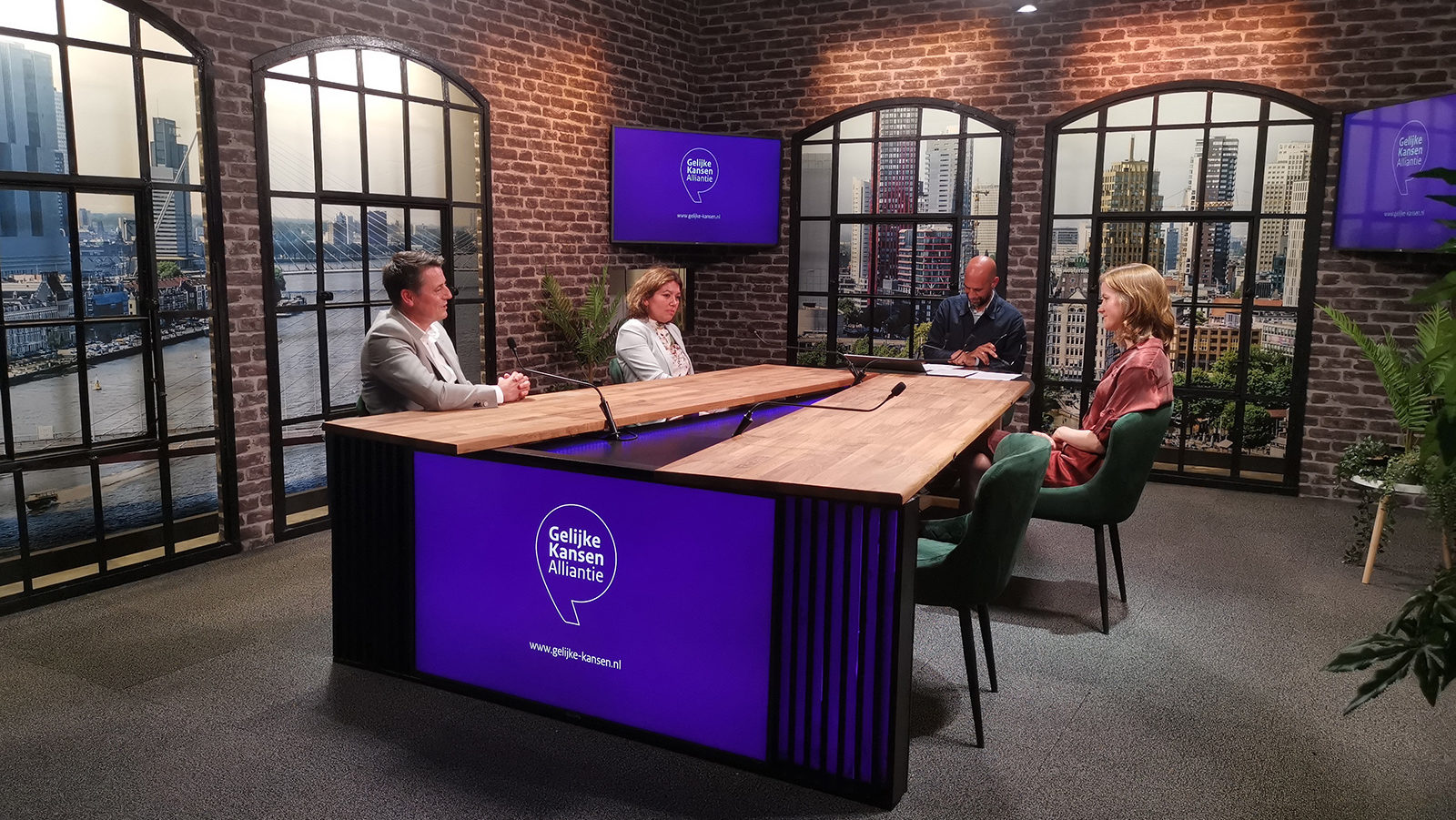
An online broadcast from a physical studio for the Ministry of OCW.
A full online (TV) program
Make it an experience. In our view, the era of boring webinars and Zoom events is really over. Take your online audience seriously and put effort into the content and the production. A format like a TV broadcast always works well in our opinion.
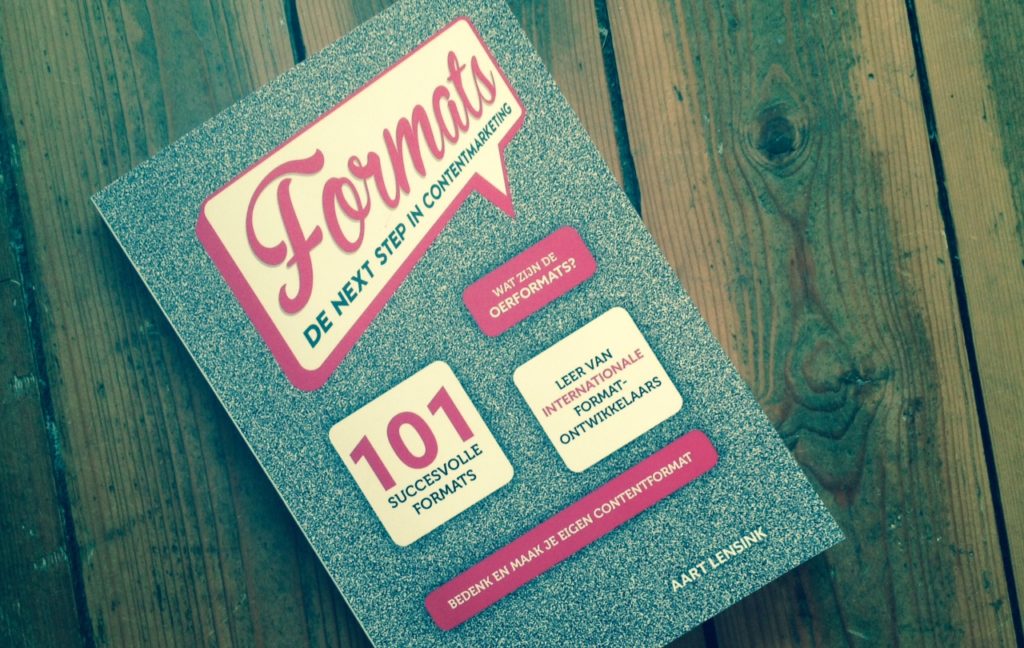
Book tip: Formats. The next step in content marketing.
This book outlines several successful TV formats and is a wonderful source of inspiration for your online broadcasts.
Aart Lensink’s Formats book.
Create a clear run of show
Create a clear run of show that describes minute by minute what is going to happen and who is involved. Both in front of the camera and behind it.
Go through the program step by step and write everything down, including the timings. Think carefully about what the viewer sees and hears, and who and what is needed for that.
Go through this carefully with the whole team and look at where problems could arise. Do the presenter and the speakers know when and in what way they will be on screen? How and where will the presentation be shown? Are there videos that will be played? With a good run of show, nothing is left to chance.
Create a technical workflow
This is the task of the Zoom manager and/or a technical producer in a physical studio. Based on the run of show, you work out how everything will technically function and what challenges come with that. Do not underestimate this: a livestream with multiple elements quickly becomes technically complex, and there is plenty that can go wrong.
Use visuals such as a well-designed presentation
Think about how you want to shape and structure the broadcast. A (PowerPoint) presentation helps with that. Do put enough time and attention into it, or have it checked and designed by a designer. It pays off because it really improves your broadcast.
Make room for interaction and breaks
It is online and live: so make sure you interact with your audience. Online attention spans are shorter, so include plenty of short breaks. And if needed, provide some entertainment in between.
Also go through these points carefully with your Zoom manager and moderator to see whether everything is technically well arranged so you are not surprised during the event.